
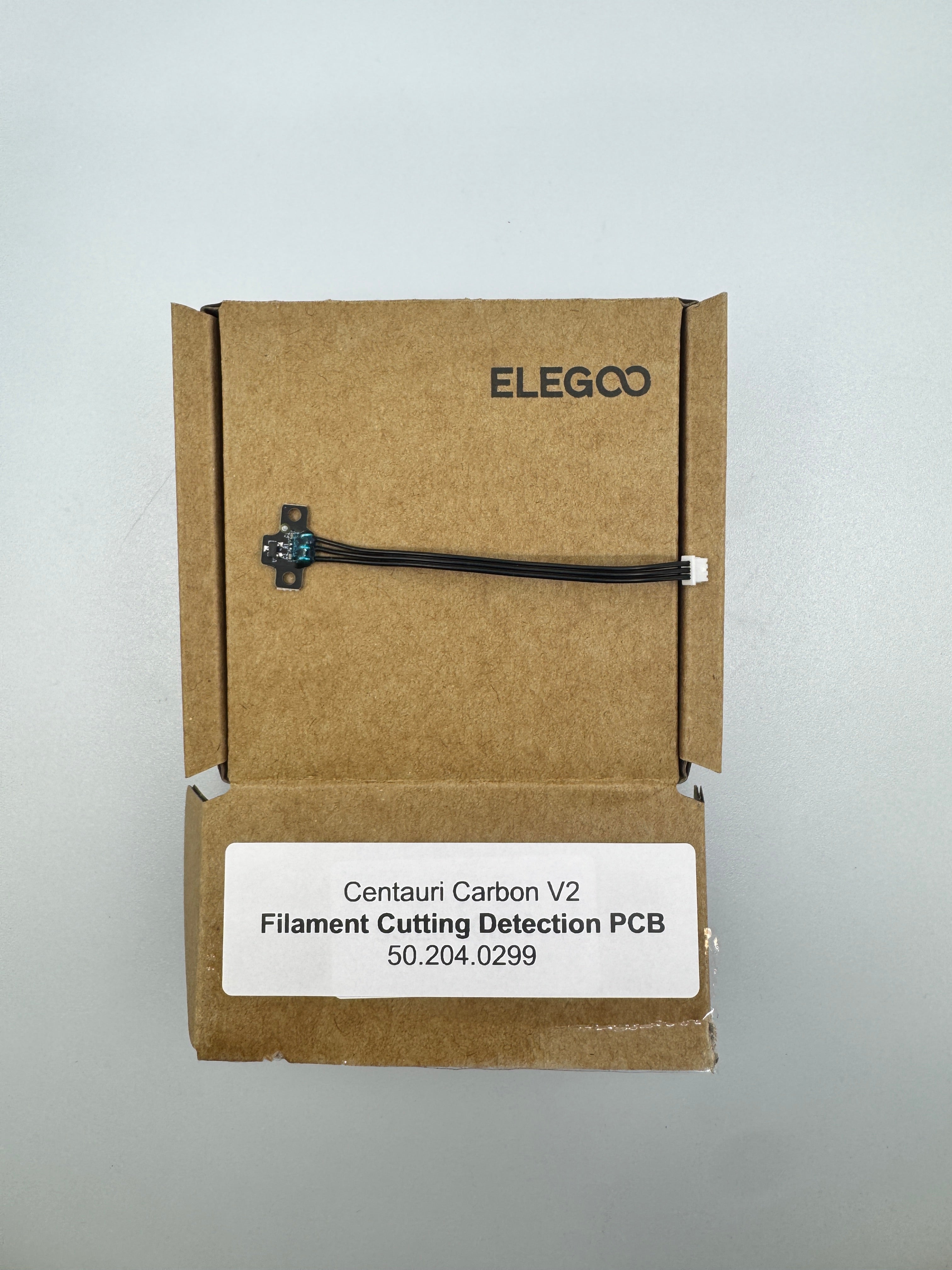

Description
Centauri Carbon 2 Filament Cutting Detection PCB 50.204.0299
This board is part of the printer's automated filament management system, specifically designed for the Centauri Carbon 2 Combo (the multi-color version). It works in tandem with the physical cutting blade in the toolhead.
Core Function: The "Cutter Status Check"
Unlike a standard runout sensor that just looks for filament, this board uses a Hall Effect sensor (magnetic) to track the position of the cutting lever.
Cutting Verification: When the toolhead moves to the side of the gantry to cut the filament (for a color change or an unload), the lever is depressed. This PCB detects that the lever moved and, more importantly, that it successfully sprang back.
Multicolor Logic: In the "CANVAS" system, if the cutter is stuck in the "down" position, the printer cannot safely load the next color or continue moving without risking a collision or a jammed extruder.
Common Issues & Error Codes
If this PCB or the associated hardware fails, you will typically see:
"Cutter Stuck" Alert: The printer pauses and claims the cutter hasn't returned to its home position.
Failed Color Swaps: The printer fails to transition between spools in the multi-color unit.
Troubleshooting the 50.204.0299
Check the Magnet: There is a small magnet inside the cutter handle. If this has fallen out or is covered in metallic debris, the Hall sensor on the PCB won't "see" it.
Filament Shavings: Check for "filament confetti" inside the toolhead. Small bits of plastic can physically block the cutter from returning to its neutral position, causing the PCB to trigger a false error.
The "Spring Back" Test: With the power off, manually press the cutter lever on the print head. It should snap back instantly. If it feels sluggish, the blade may be gummy or the spring may be weak.