


Description
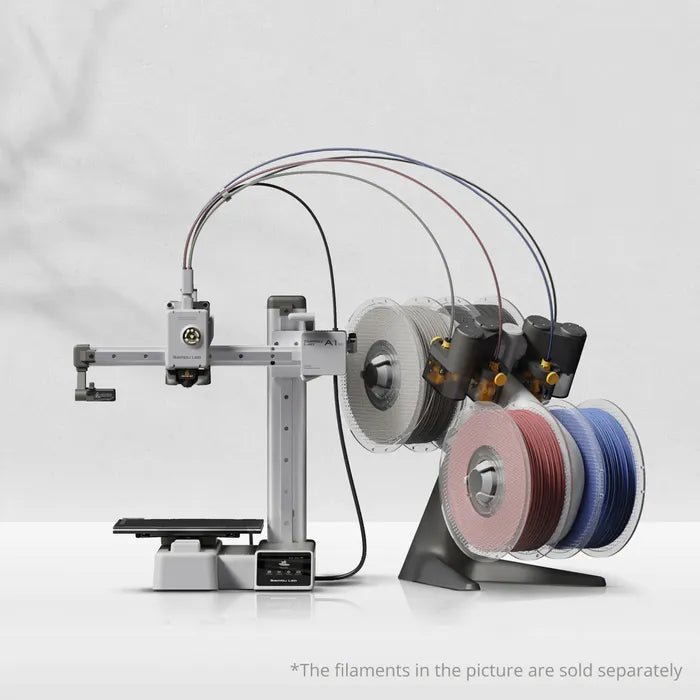
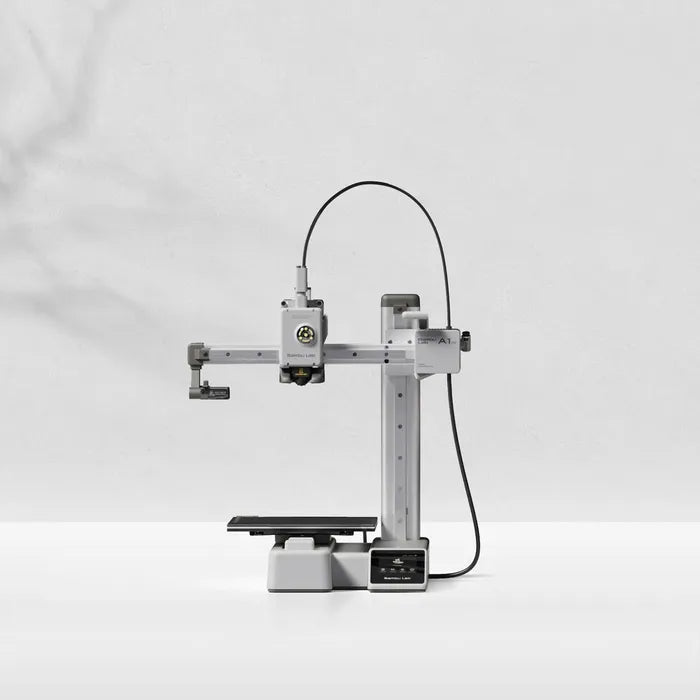
The Bambu Lab A1 mini with AMS lite is widely considered the best "entry-level" multi-color setup in 3D printing. It is a "bed-slinger" style printer that packs the high-end automation of Bambu’s more expensive models into a smaller, more accessible footprint.
Here is a breakdown of the combo to help you decide if it’s the right fit for your desk.
Key Features at a Glance
Why the "Combo" is Special
The AMS lite is the standout feature of this package. Unlike the enclosed AMS used for the P1 and X1 series, the "lite" version is an open-frame system.
-
Reliability: Because it has a simpler, more direct filament path, it is often cited as being even more reliable than the original AMS.
-
Active Flow Rate Compensation: The A1 mini uses a high-frequency eddy current sensor to measure nozzle pressure, meaning it adjusts flow in real-time for perfectly smooth corners.
-
Automatic Filament Backup: If one spool of PLA runs out, the AMS lite can automatically switch to a second spool of the same material to finish the print.
Is it Right for You?
The Pros
-
True Plug-and-Play: It arrives pre-assembled. You can go from unboxing to your first print in about 20 minutes.
-
Top-Tier App/Software: Use the Bambu Handy app to start prints from your phone or Bambu Studio on your PC.
-
MakerWorld Integration: You can find a model online and click "Print" directly—the cloud handles the slicing for you.
The Cons
-
Small Build Plate: If you want to print large helmets or big cosplay pieces, the bed will be limiting.
-
Open Frame: Since it isn't enclosed, it is not ideal for high-temperature materials like ABS or ASA (best for PLA, PETG, and TPU).
-
Desk Space: While the printer is "mini," the AMS lite sits next to it, so you actually need a decent amount of horizontal desk space (roughly inches).
Quick Setup Tip
When you set it up, the AMS lite is designed to sit on the right side of the printer. However, many users choose to top-mount it using a 3D-printed bracket (available on MakerWorld) to save space.